Role
As product designer responsible for data visualization across the app, I collaborated with a PM and a team of 4 developers and a QA engineer.
Time
July-September 2025
Impact
Decreased churn rate by 25% and new powerhouse feature for demo and sales purposes, long awaited.
Tags
Product design
Usability testing
Web App
DataViz
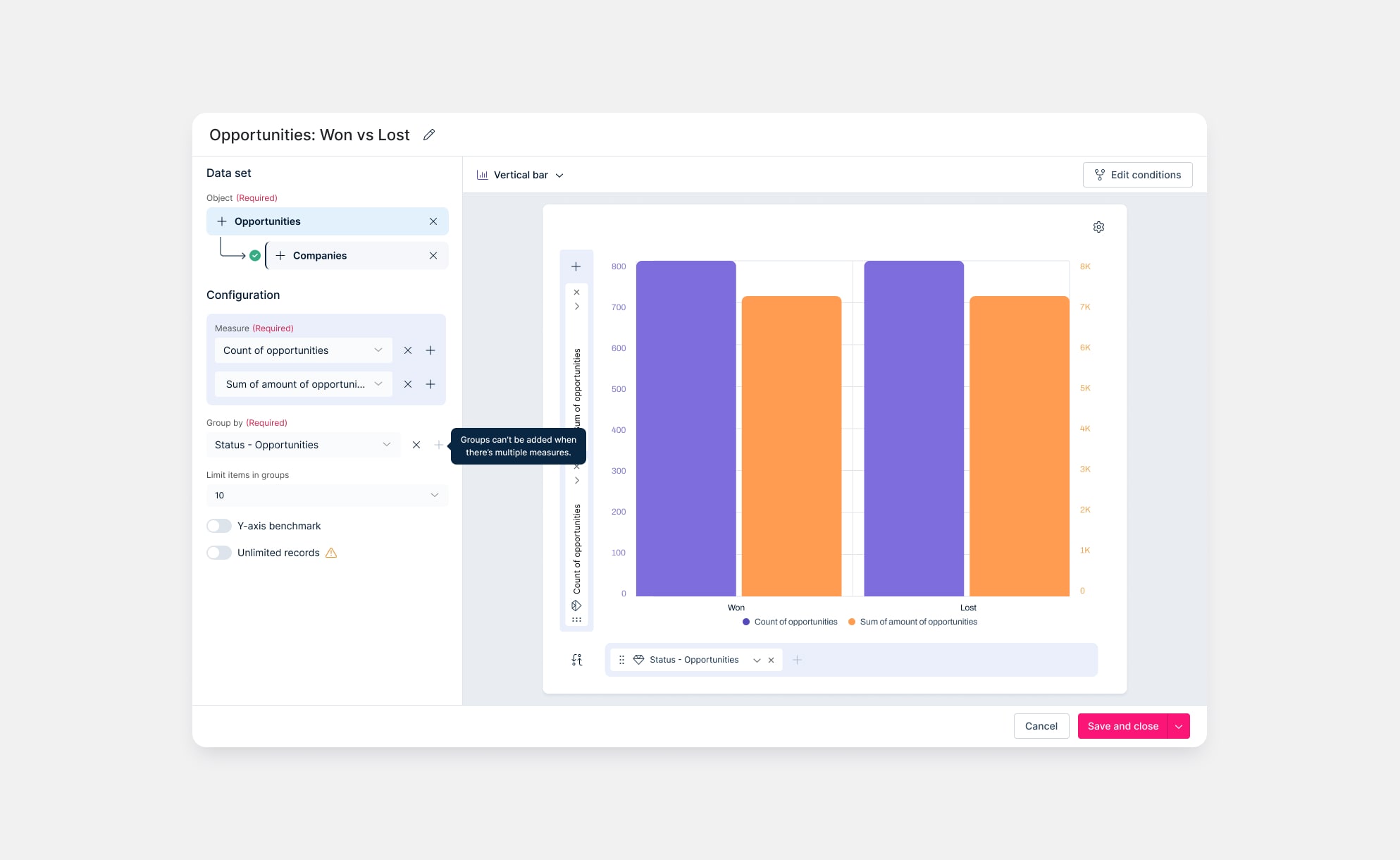
Impact
Business
Retained at-risk enterprise clients who had explicitly tied renewal to improvements in dashboard and widget management.
Turned a 'deal breaker' feature into a selling point for demos and sales conversations.
User
Cut the effort needed to create a chart through the new quick charts flow.
Reduced frustration and rework by simplifying complex tasks.
Increased confidence through clearer copy, better guidance, and guardrails to prevent invalid chart setups.
Design
Replaced an outdated template with a modern, scalable pattern and updated design system pieces for data-heavy workflows.
Validated the interactive, click-to-build concept in testing, proving it added value beyond the basic form flow.
Problem
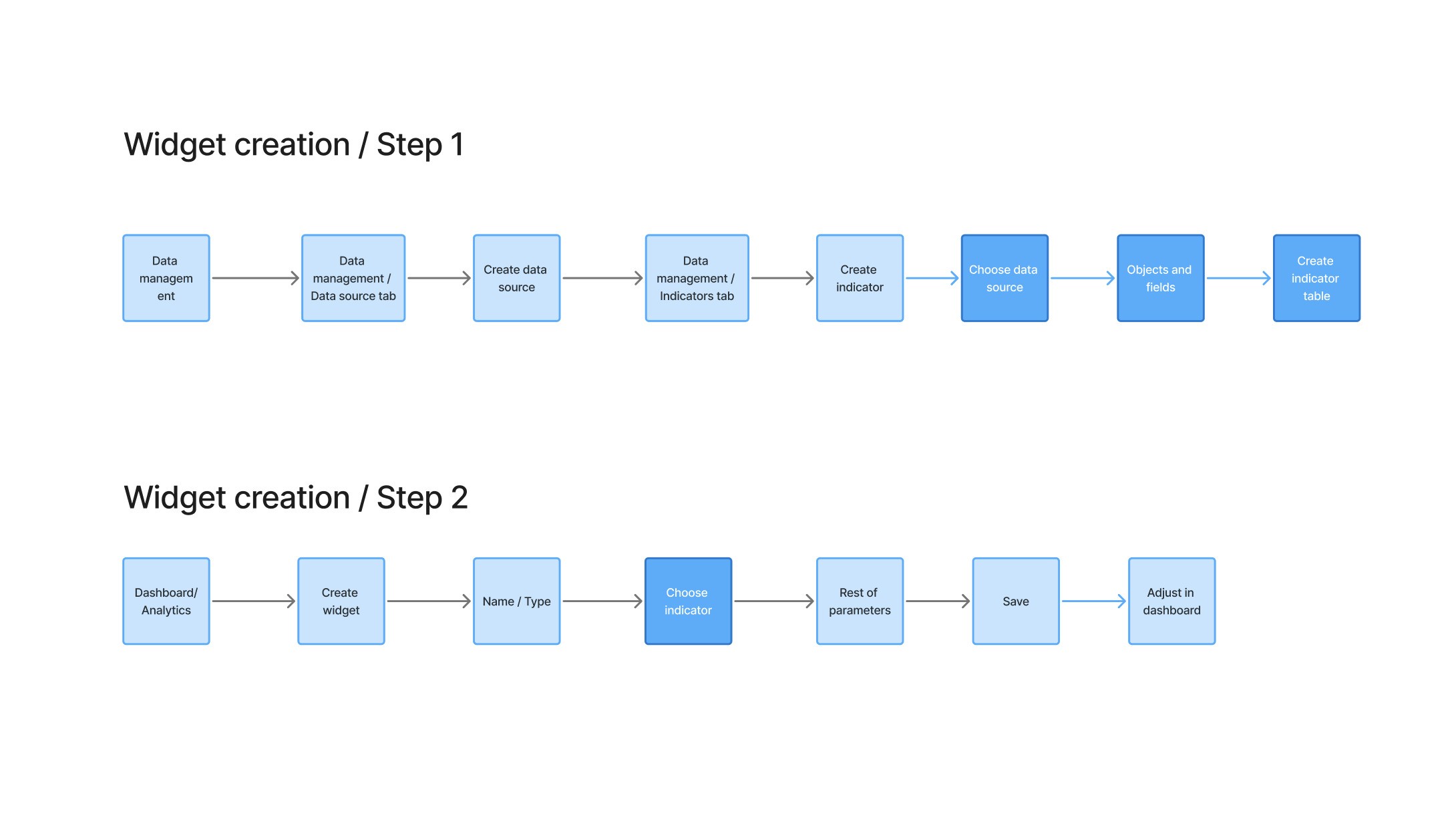
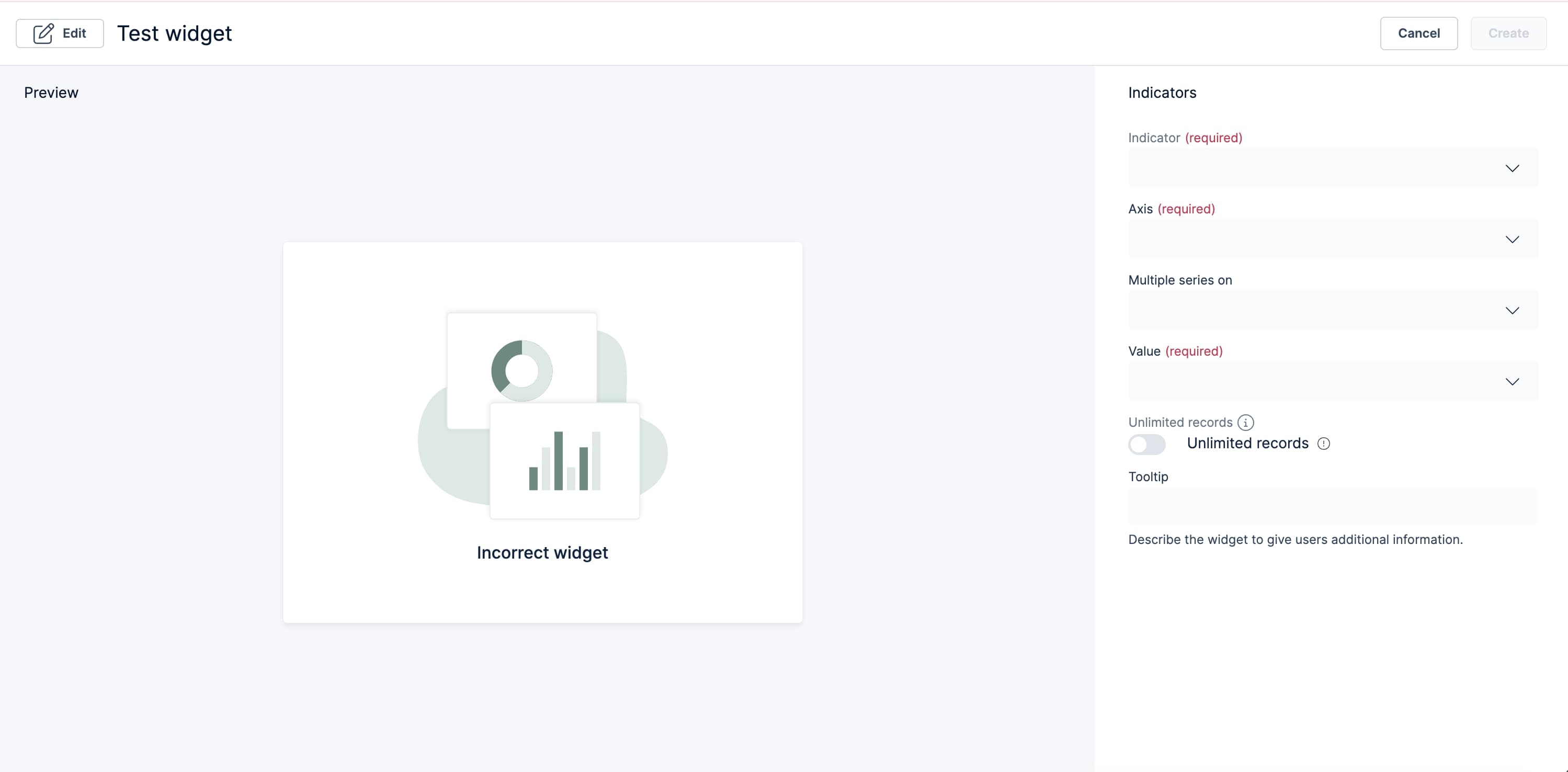
The old widget creation process forced users through a long, manual, and error-prone workflow that limited productivity.
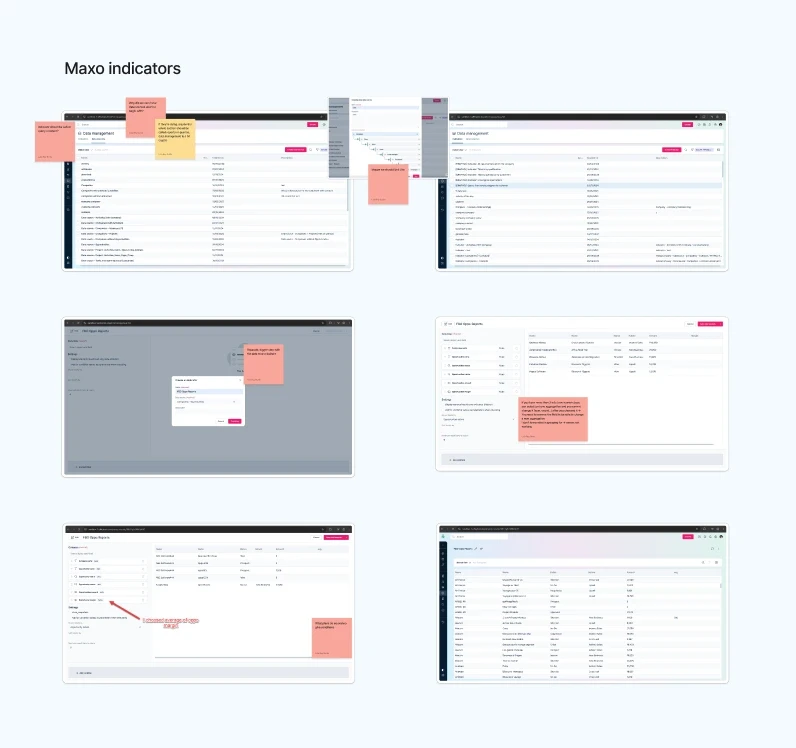
It required navigating through multiple menu items to build very complex indicators that had to be rebuilt whenever modification of data sources or duplication was necessary.
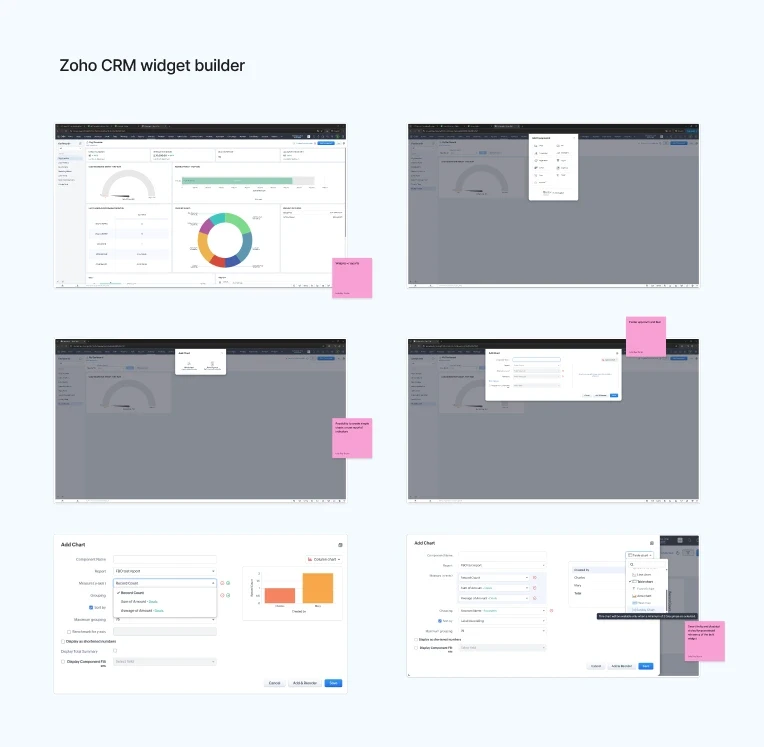
Creating a widget without this wasn't an option, even for the simplest use cases. This repetitive, error-prone process, riddled with bugs, stood in stark contrast to the more intuitive, streamlined tools of Maxo's competitors, such as Zoho CRM.
Multiple customers were interviewed about their problems with this feature after they threatened to end their contracts with the product. This project was an effort to retain these at-risk customers and satisfy their critical needs.
Set up
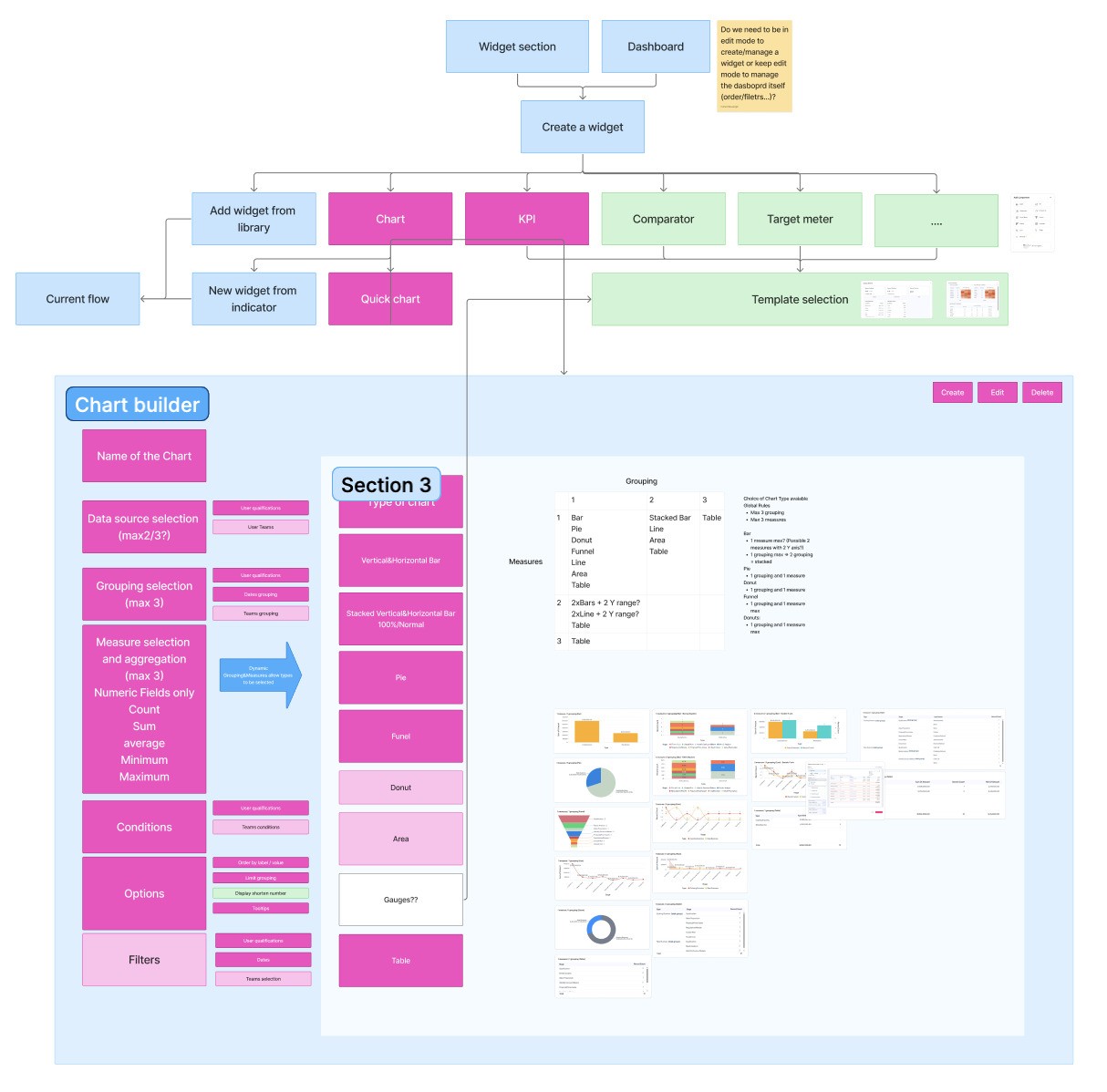
Before jumping into solutions, I inherited a rich body of research from my PM: interviews with several at-risk customers who had explicitly linked their frustration with the widget builder to potential contract cancellations.
Design approach
The widget builder was based on an outdated template, so the goal was to modernize it and turn the existing research into concrete product decisions.
I kept the familiar indicator-based flow for power users, adding a “from scratch” quick-build to reach a chart faster.
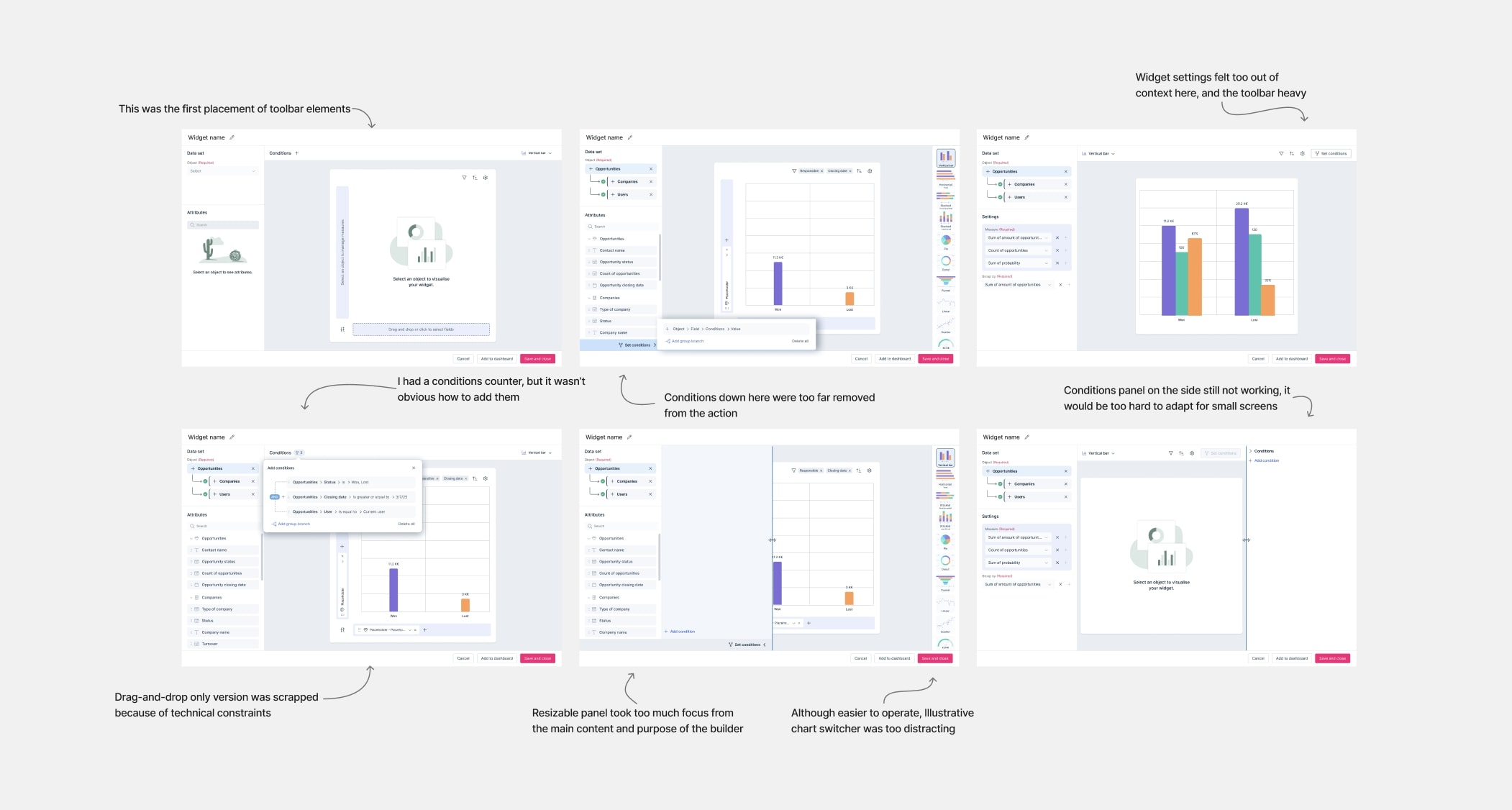
I also proposed a more interactive, click-to-build experience to make building more hands-on. My team initially saw this as potentially unnecessary ‘design fluff’, so we agreed to validate it in testing before committing dev time.
In addition,
I reused existing data-source components to speed up implementation and ensure consistency.
I streamlined complex forms by grouping related tasks, clarifying sections, and reducing cognitive load.
I enabled conditions for aggregated charts and added alerts to disable non-applicable chart types.
Usability testing
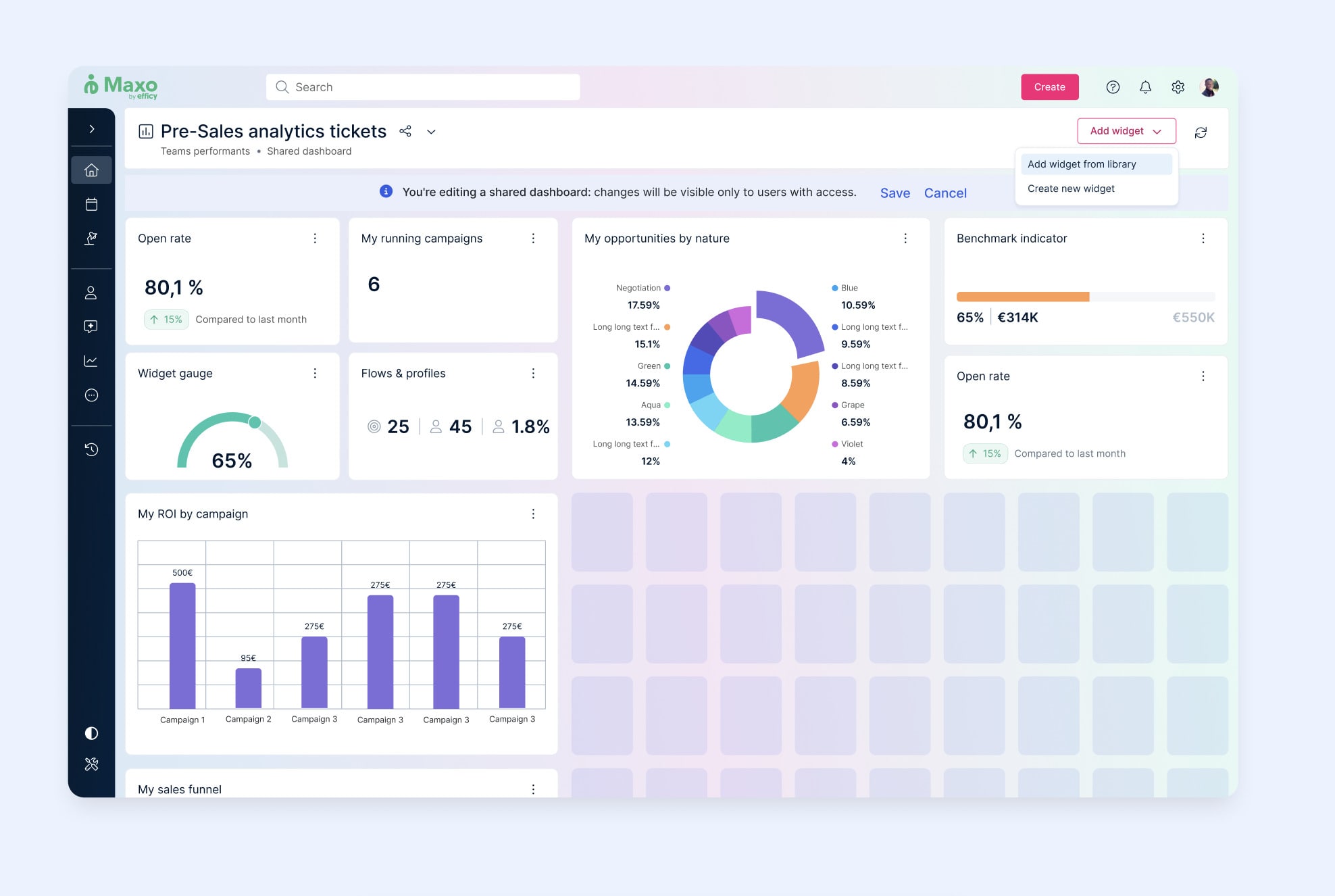
I ran a focused usability test with internal users to stress‑test the end‑to‑end flow, complex interactions, and new safeguards before rolling it out to customers.
Findings and iterations
Usability testing was extremely successful, with a 100% task completion rate and no critical errors across all participants, so the iterations that followed were intentionally small and focused on copy and hierarchy rather than structural redesigns.
Settings placement and copy
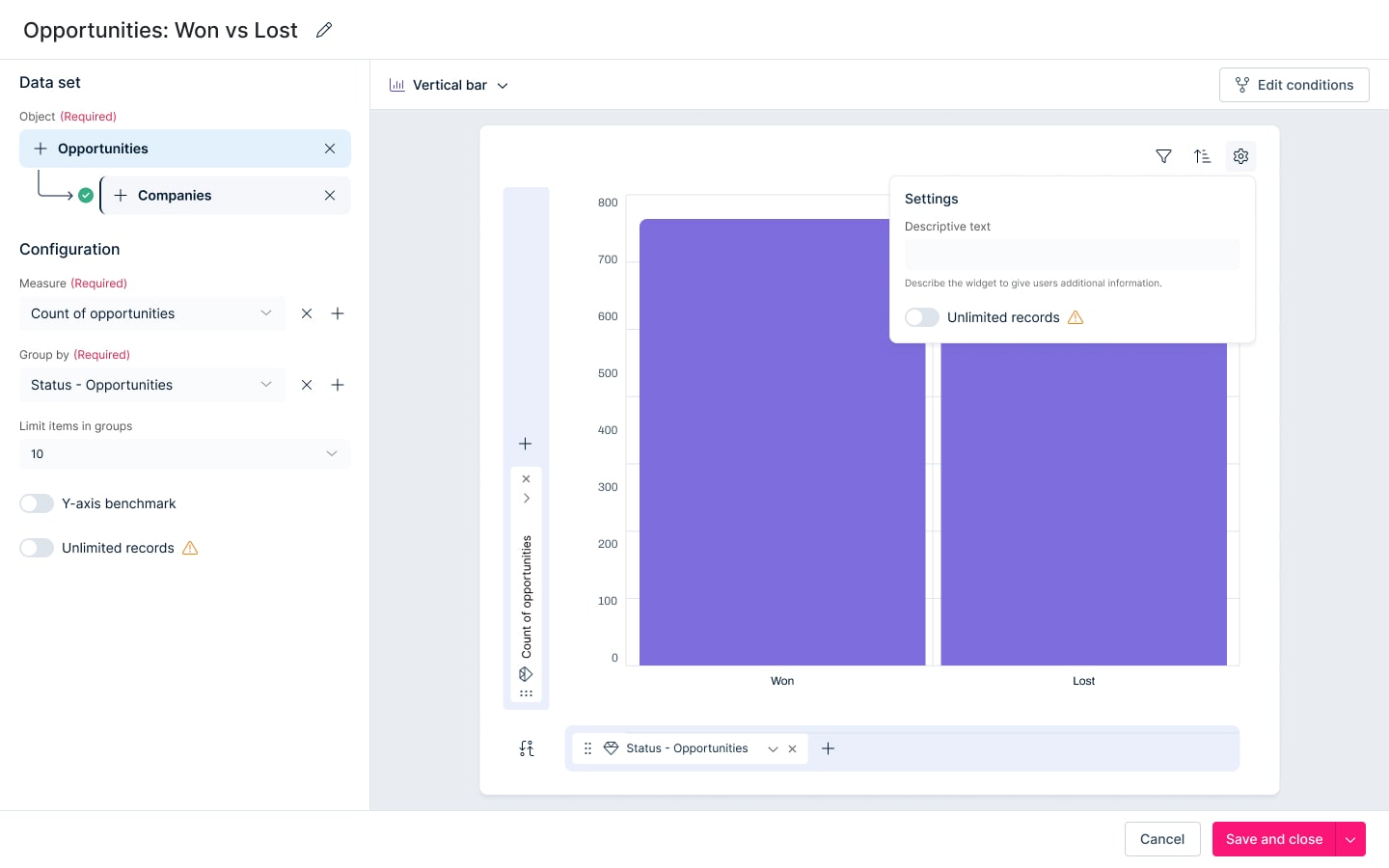
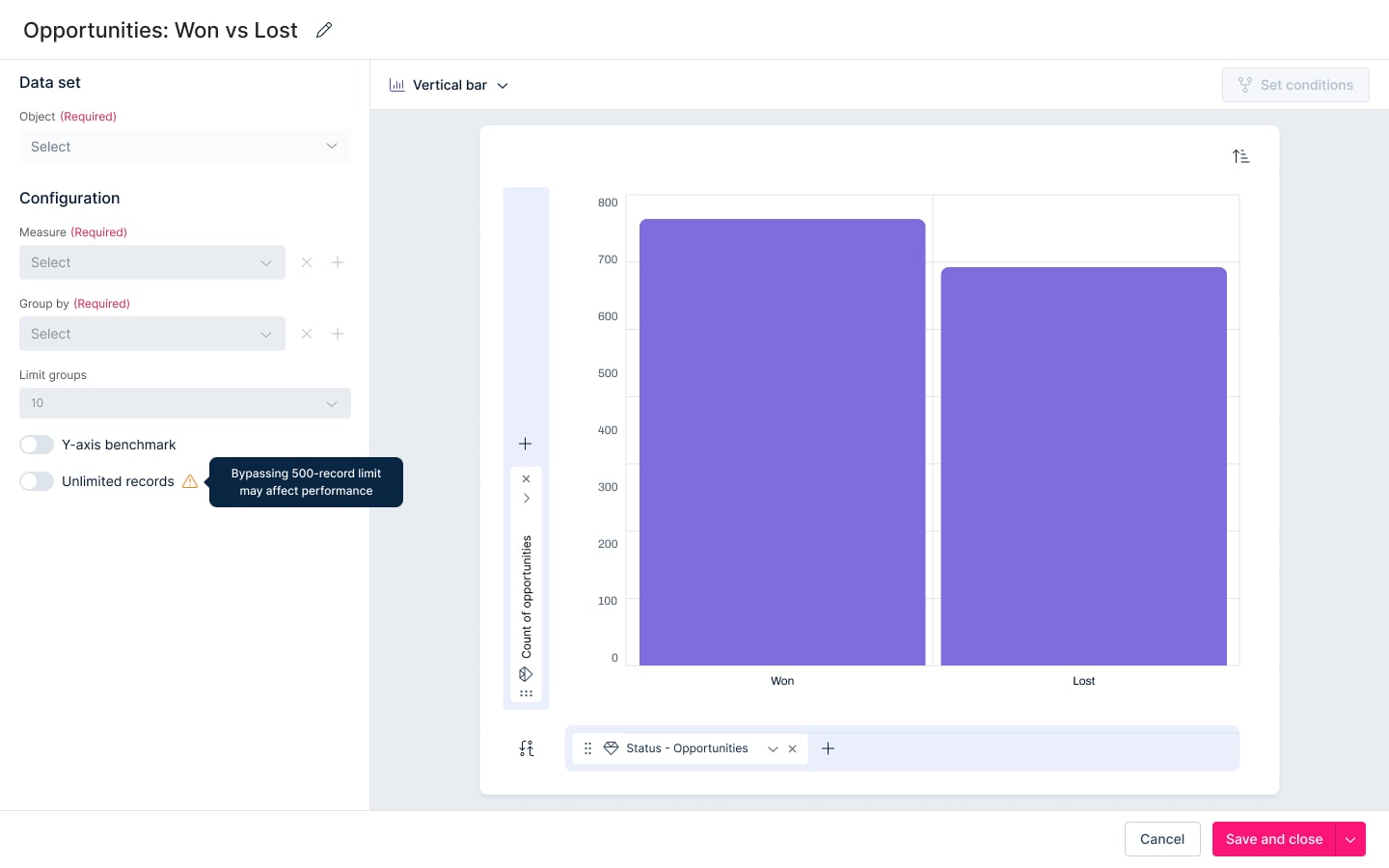
Filtering vs conditions
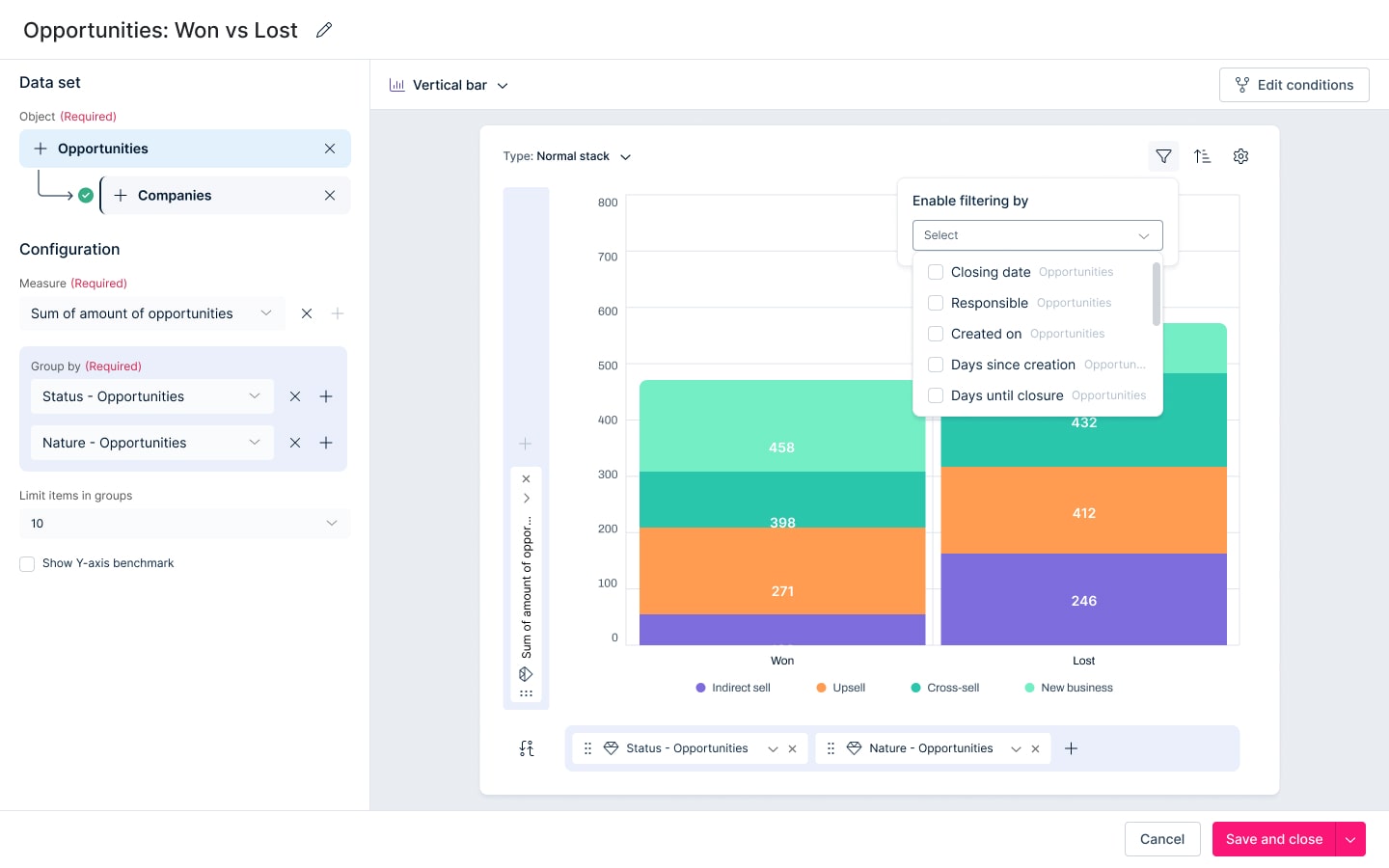
Participants repeatedly mixed up filtering with conditions and found the current filtering approach too limited and confusing. They also clearly expected more intuitive, on-widget filtering (e.g. dynamic filters or user pickers) to avoid duplicating widgets.
Iteration: Pushed advanced filtering out of this release and reframed it as a future iteration, to be implemented directly on widgets in the dashboard rather than in the builder flow, reducing cognitive load and the need for multiple near-identical widgets.
Cancel vs back to editing
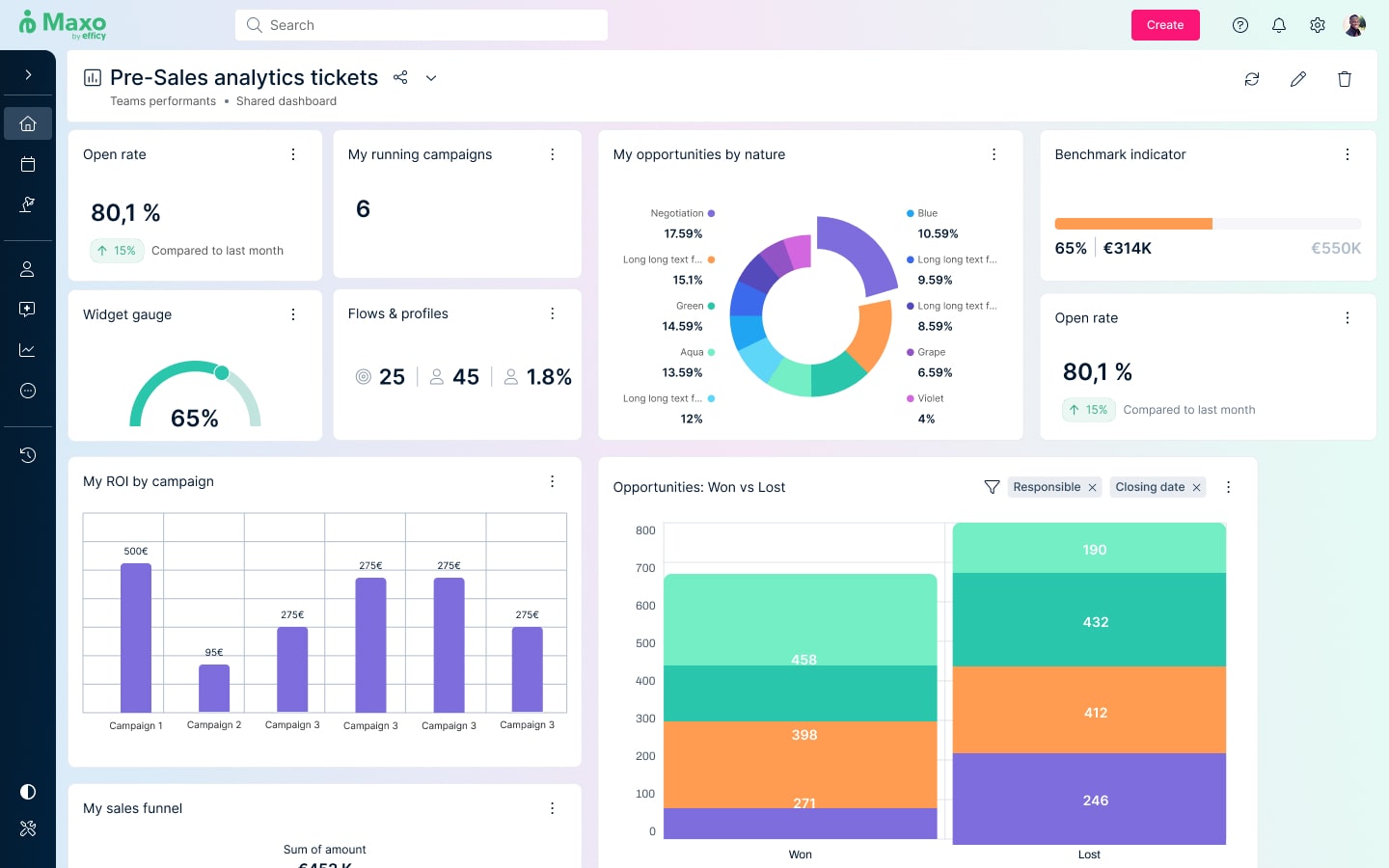
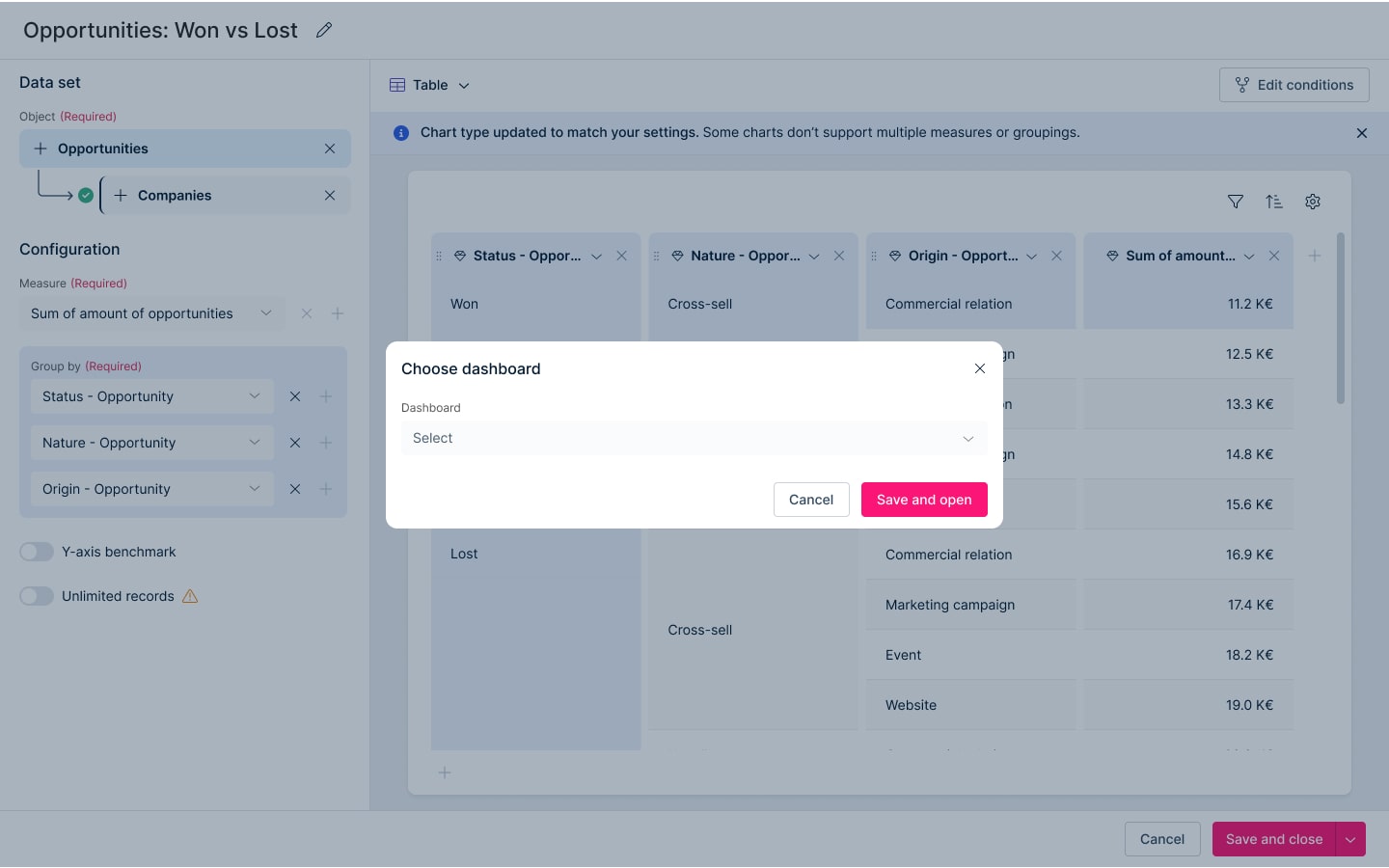
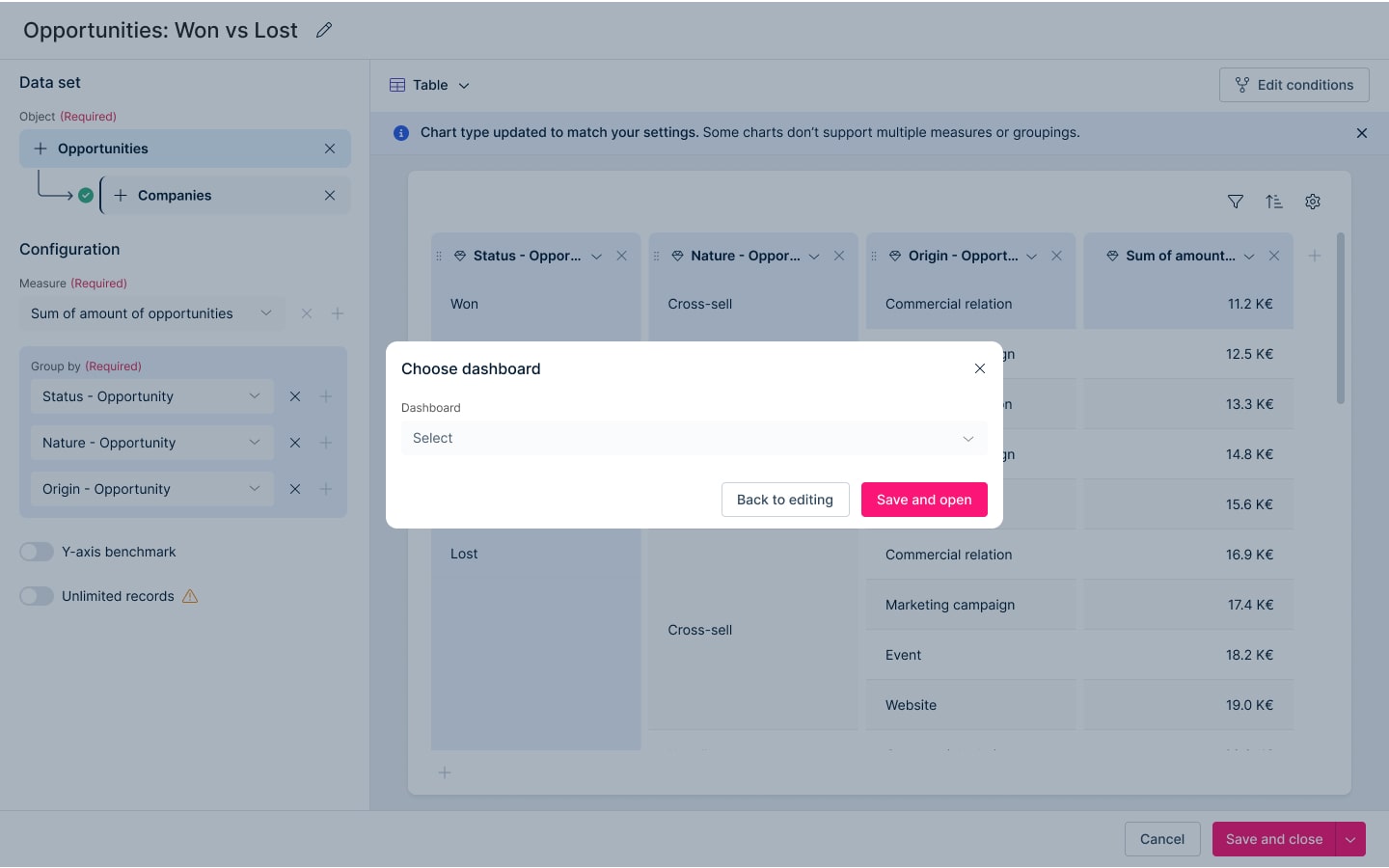
In the “save to dashboard” step, users hesitated to press “Cancel” for fear it would discardthe entire build instead of just exiting the placement flow.
Iteration: Relabelled the button from “Cancel” to “Back to editing” to more accurately reflect its behavior and reduce anxiety about losing work.
Solution
Key takeaways
It's worth the 'fluff'
Betting on interaction was worth it: the original interactive builder concept was nearly cut as “nice-to-have design fluff”, but insisting on testing it showed clear user value and it became part of the final direction, even if dev constraints pushed it to a later iteration.
Research made it easy
Thorough upfront research paid off: inheriting and building on deep customer interviews and competitor analysis meant the redesign went into testing with a 100% task success rate and no critical errors, so post-test changes could stay small and high-impact.
Small changes, big effect
Small UX decisions can have outsized business impact: tweaks to copy, flows, and guardrails around widget creation helped retain at-risk enterprise clients and turned a formerly painful feature into a flagship capability for sales and demos.